Driver Transport App is the offline-first job log for UK vehicle transport drivers. Log collections, deliveries, mileage, photos and costs straight from your phone. Free to start. Pro adds unlimited jobs, vehicle and MOT check, address autocomplete, scan-to-fill and optional 10 GB cloud backup.
Designed around the daily reality of moving cars between forecourts, auctions and customers.
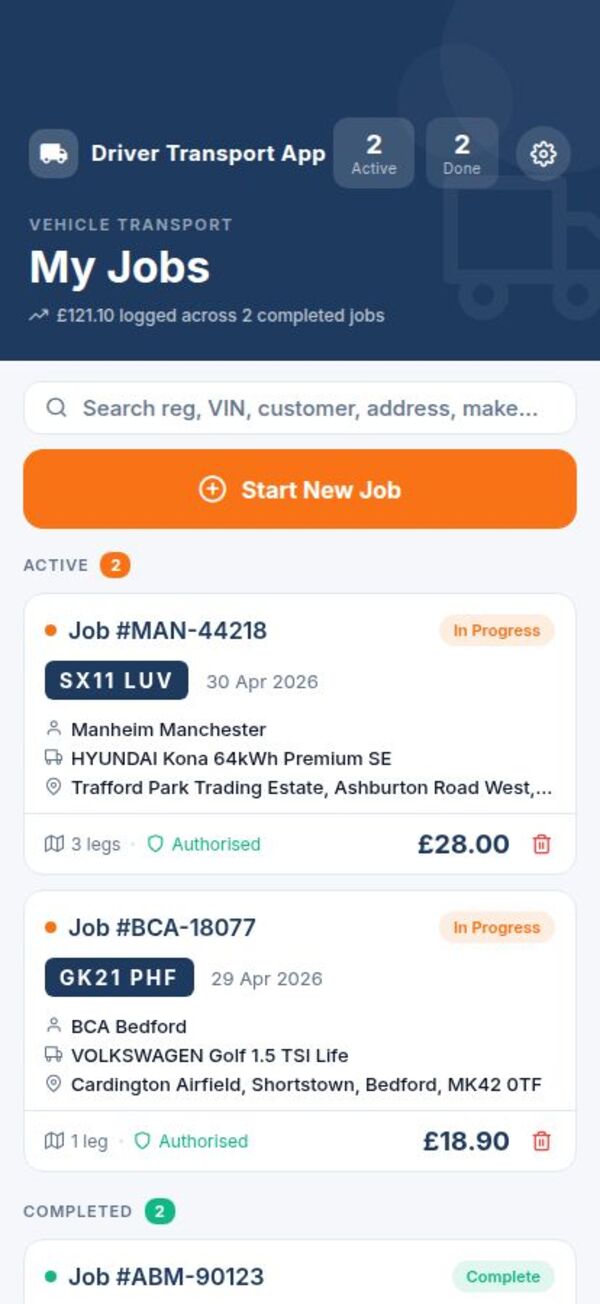
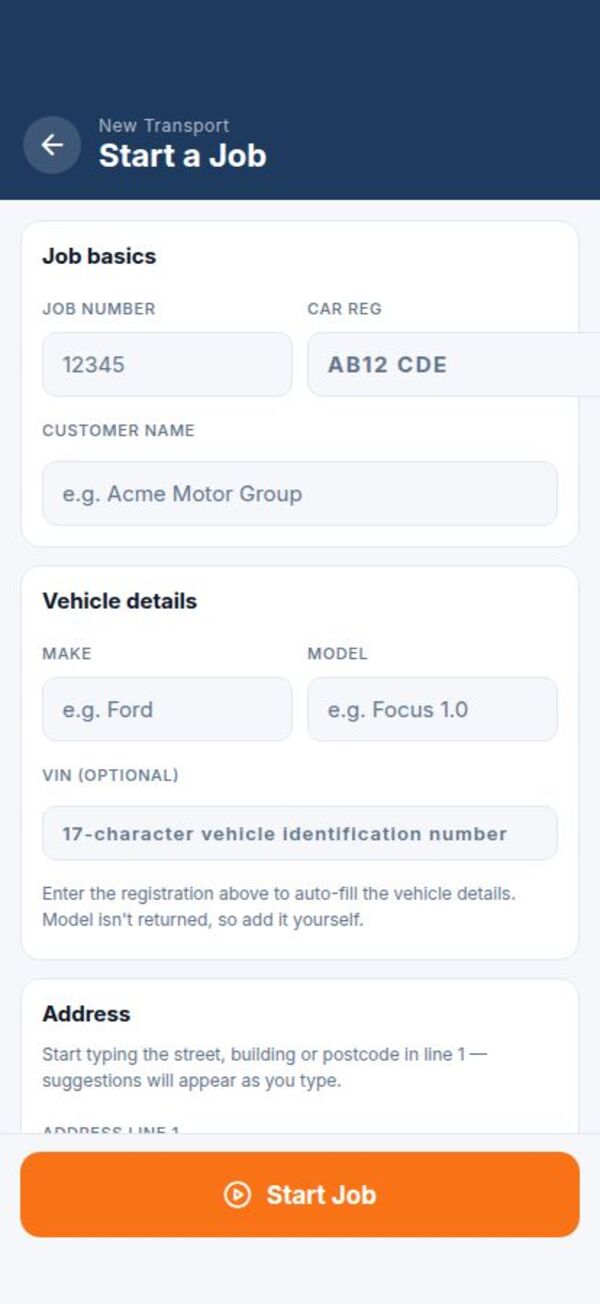
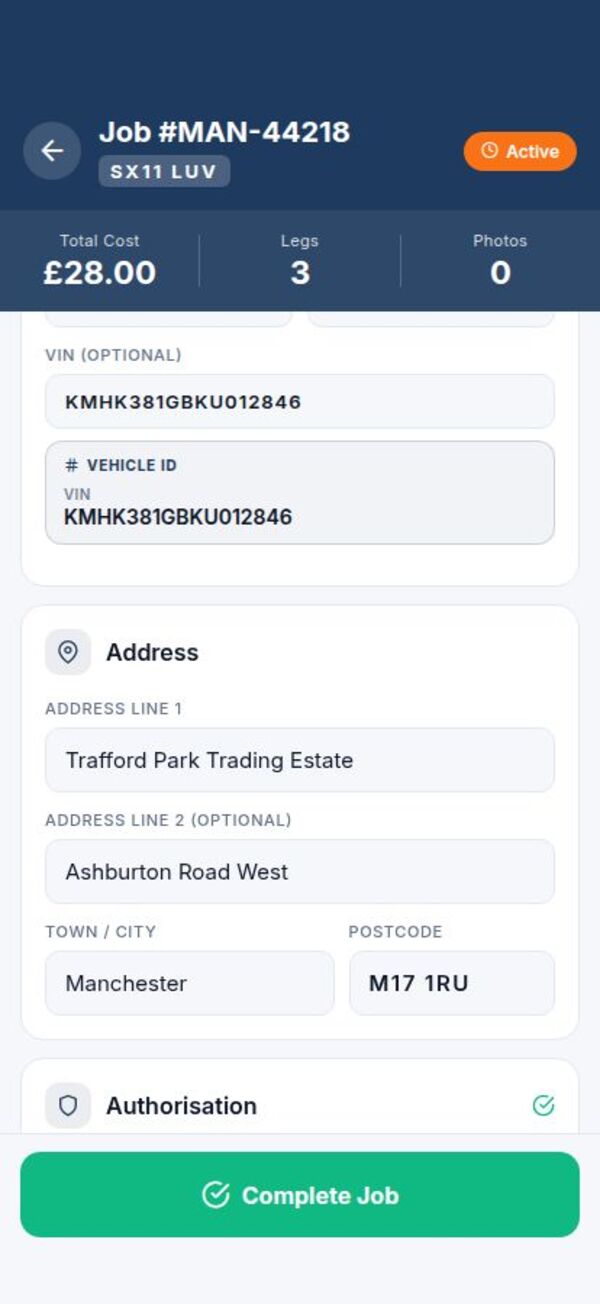
Log every collection and delivery with vehicle, addresses, reg, VIN, customer name and notes — saved instantly.
Postcode lookup via Postcodes.io and street-level autocomplete via AWS Location Service — on both collection and delivery.
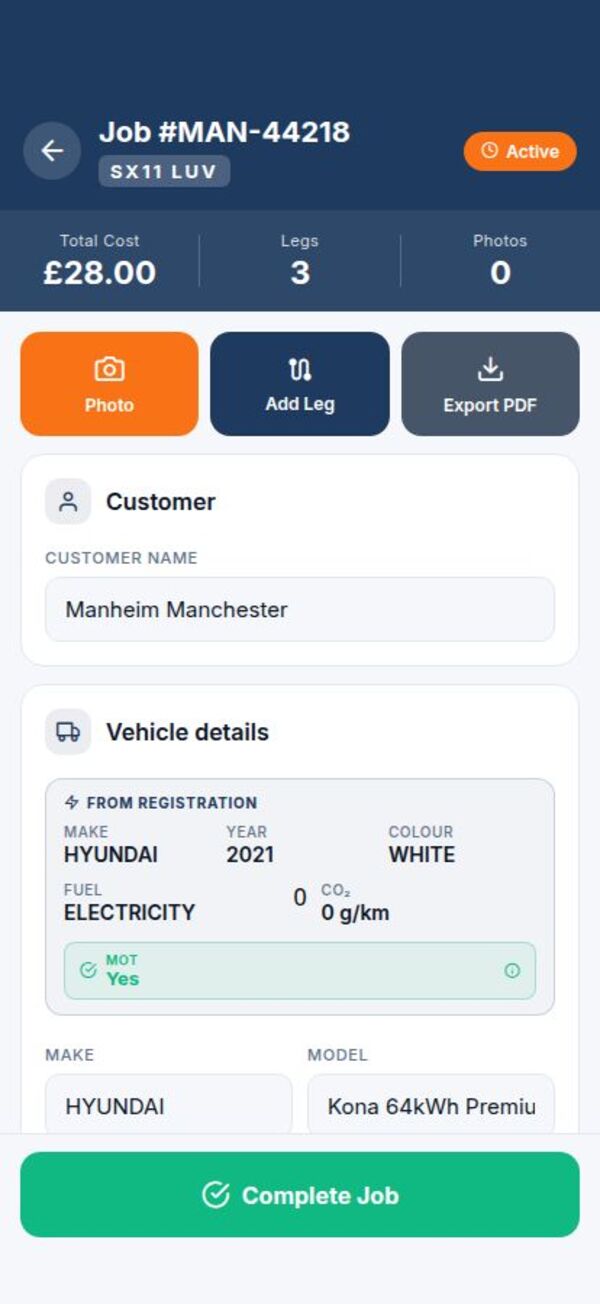
Type a reg and the app auto-fills make, model, MOT and tax status straight from the DVLA Vehicle Enquiry Service.
Snap one to five photos of any job sheet and the app reads it, filling the reg, VIN, customer and both addresses. It only fills empty fields — nothing you’ve typed is overwritten.
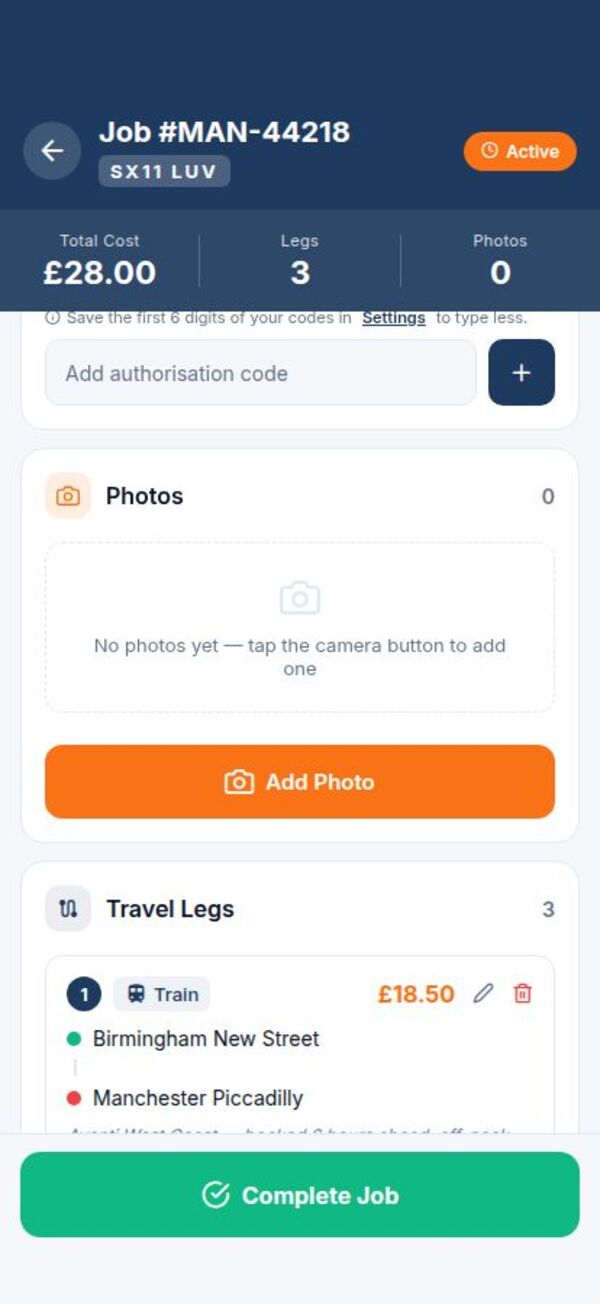
Add as many legs as a job needs — train, taxi, walk, drive — with mileage and cost on each leg.
Capture vehicle condition photos and fuel receipts inline. Attached photos travel with the job in your PDF export.
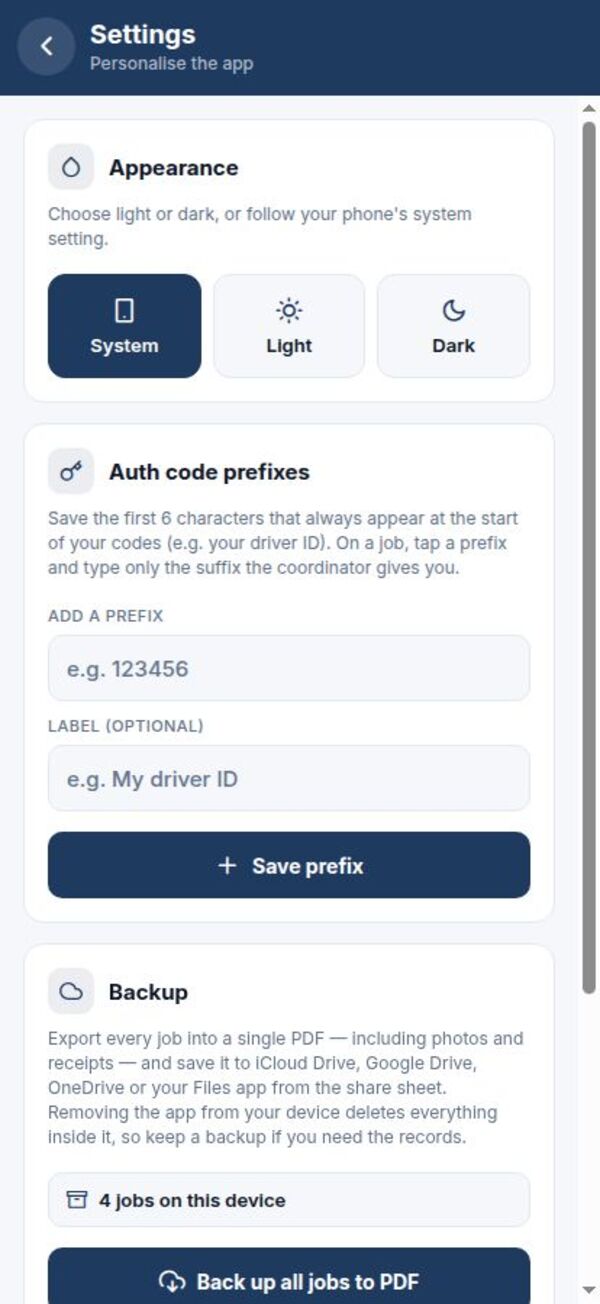
Export a single job or back up every job in one PDF — share to iCloud, Drive, email, or anywhere via the share sheet.
Import the PDF payslip your company sends and the app matches each row to your jobs, ticking off what’s paid. An AI parser reads awkward layouts the plain reader can’t.
The Stats tab breaks your money down into job pay, travel and standby across any period you choose, with your net after costs.
Flag a job that wasn’t paid in full and draft a ready-to-send chase email listing exactly which parts are still outstanding.
Keep an encrypted, opt-in backup of every job in the cloud — App Cloud or your own Google Drive — and restore it on a new phone in a tap.
The whole flow is designed around drivers who only get a few seconds between jobs.
Type the reg, pick a collection and delivery address. Driver Transport App auto-fills make, model and MOT in the background.
Add each leg as you go — train fares, taxi receipts, fuel, mileage. Snap photos along the way.
One tap turns the job into a clean PDF. Share it to your accountant, client, or your own records.
Big tap targets, sensible defaults, and a layout that doesn't get in your way between jobs.
Try the app on the free plan. Upgrade only when the limits get in the way.
£0
£14.99 / month
£149.99 / year
Pro subscriptions are processed by Apple. Auto-renewal can be turned off any time from your iPhone Settings → your name → Subscriptions. Refund requests go to Apple at reportaproblem.apple.com.
By default, everything you log lives on your phone. The only things sent off it are the vehicle regs and address lookups you trigger yourself, and Apple's receipt for your subscription. On Pro, you can opt in to 10 GB of cloud backup — either to App Cloud (our UK / EU storage) or to a private folder in your own Google Drive. Either way, you choose, and you can disconnect at any time.
Can’t find what you’re looking for? Reach us through the App Store support contact.
Yes. Everything core to the job log works offline: adding jobs, logging legs, taking photos, on-device scanning, dictating notes, exporting PDFs. The only things that need a connection are the vehicle / MOT check, address lookups (Pro) and cloud backup if you turn it on.
Free covers 20 jobs per month with fully manual entry and a watermarked PDF. Pro removes the limit, unlocks the vehicle & MOT check, UK address autocomplete and postcode lookup, AI scan-to-fill from job-sheet photos, payslip matching, drops the watermark, and lets you turn on automatic cloud backup (up to 10 GB) to App Cloud or your private Google Drive folder.
Subscriptions are billed by Apple. To cancel, open iPhone Settings → your name → Subscriptions → Driver Transport App → Cancel Subscription. You'll keep Pro access until the end of the current billing period. Refund requests go to Apple at reportaproblem.apple.com.
Local data is wiped when you uninstall. If you've turned cloud backup on, your latest backup stays on our server (or your Google Drive) and can be restored on a new install using your Restore Code. To remove the cloud copy, tap Disconnect or Delete Cloud Backup before uninstalling.
No. There are no third-party analytics, advertising SDKs or trackers, and we don't sell, share or monetise your job data in any way. The app makes its money from Pro subscriptions, not from data.
Camera is for taking vehicle and receipt photos. Photo library is for attaching existing photos. Location is only used when you tap "Use my location" on a leg. Each permission is requested only the first time you use the related feature.
The PDF gives you a structured record of every job, leg, photo and receipt for your own books. Always confirm with your accountant or client what their specific record-keeping requirements are before relying on it.
Driver Transport App is on the App Store. Free to download. Pro features unlock from inside the app.
Get it on the App Store